Lights left on
Notify the driver quickly with a safe template, without seeing a phone number.
Privacy-first driver contact
RoadNudge helps drivers handle short, necessary traffic moments without sharing phone numbers, using masked vehicle identity and safe message templates.
The iOS app follows the same RoadNudge product flow
Use cases
Notify the driver quickly with a safe template, without seeing a phone number.
Send a clear, respectful message when a vehicle needs to be moved.
Start contact when there is a safe way to reach the driver, or explain the state clearly.
Why RoadNudge
Phone numbers, full plates, and unnecessary personal details are not exposed.
Safe templates replace free-form messages, keeping the purpose limited to necessary contact.
Nearby vehicles, driving mode, history, and reach requests stay readable inside one iOS experience.
Product flow
The user adds a vehicle while RoadNudge works with masked, controlled identifiers instead of open identity.
Blocked exits, lights left on, or urgent contact move through fixed messages that reduce misuse.
When there is a safe path, contact can continue; otherwise the product stays transparent.
App screens
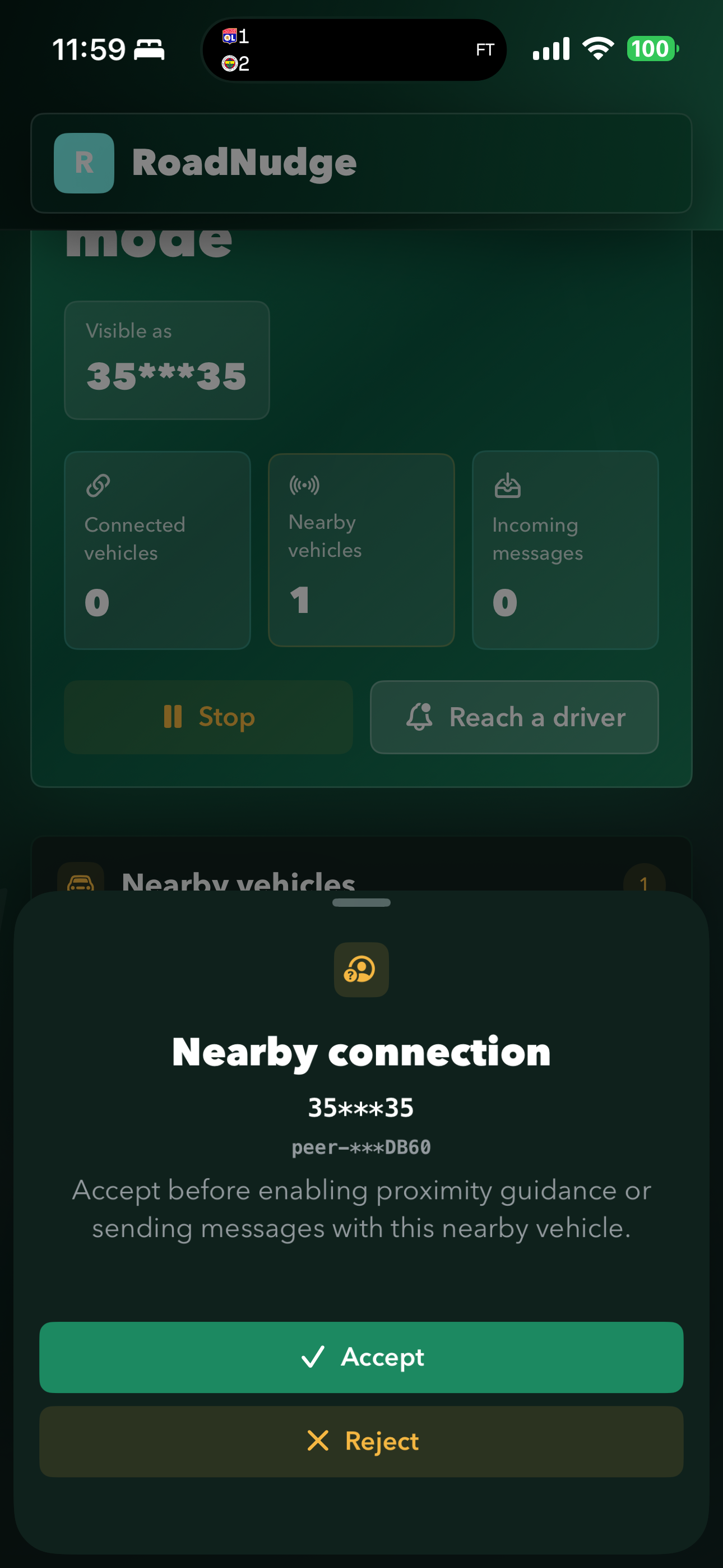
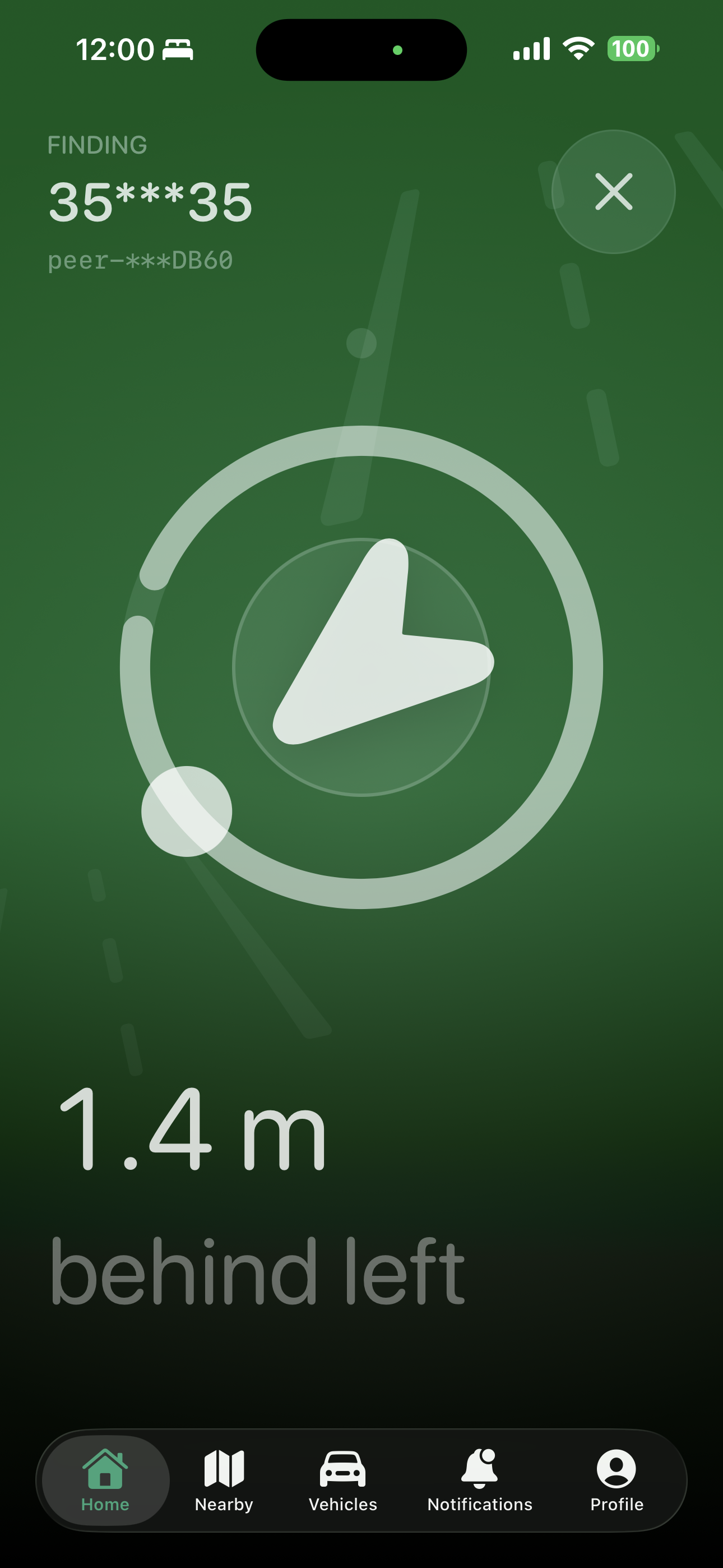
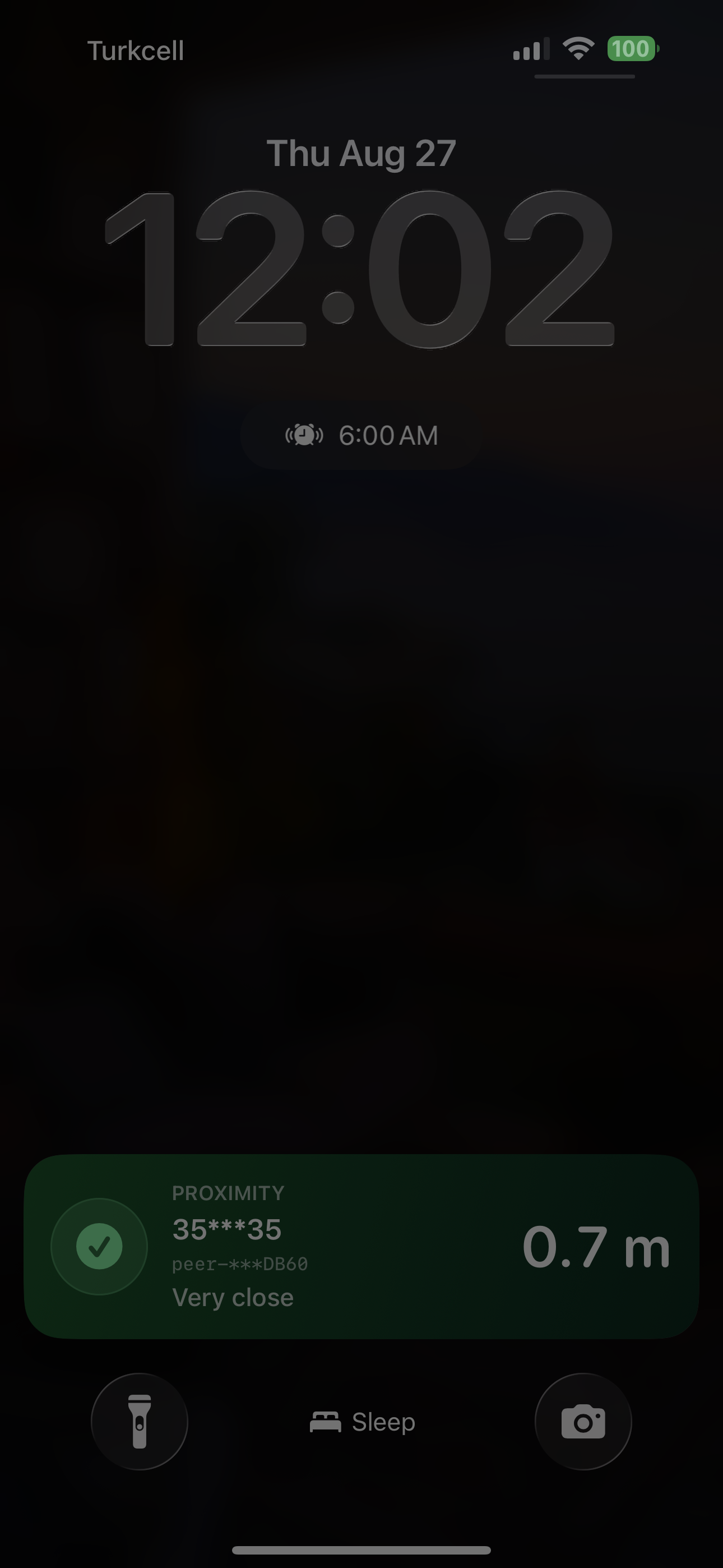
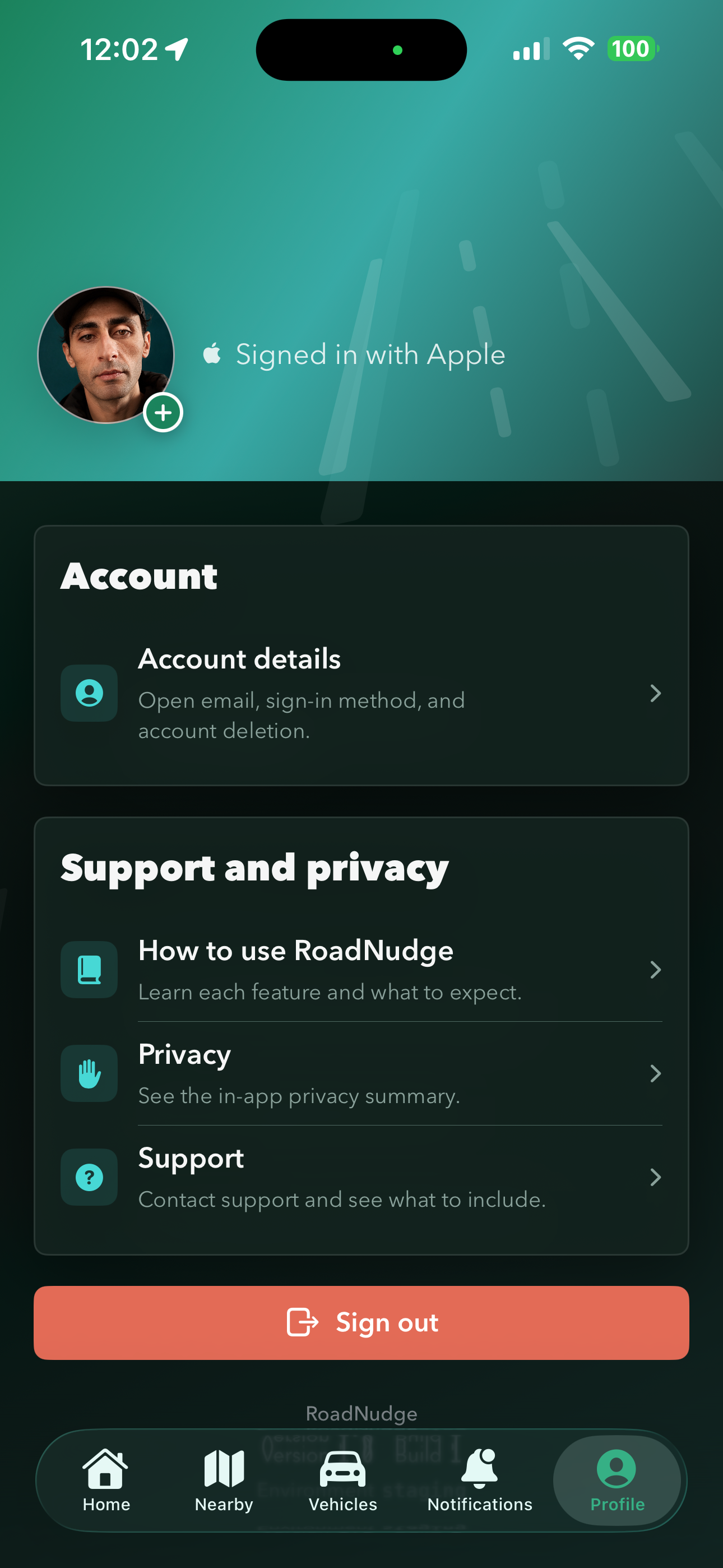
Driving visibility, proximity guidance, live activity, and profile screens now share the same RoadNudge visual language.
Sign in with Apple keeps vehicles, profile, and session state synced securely.
Users can add multiple vehicles, choose a default vehicle, and keep nearby plate details masked.
Notification, location, and nearby-connection permissions are requested when the user takes action.
Keeps proximity status visible on the Lock Screen with masked, minimal context.
Shows distance and direction when a safe nearby vehicle connection is active.
Sends fixed messages like headlights on or window open without exposing free-form identity.
Privacy boundary
RoadNudge lets you notify a driver without showing your phone number. A clear situation, a safe next step, and masked vehicle details are enough.
Legal and support
Find RoadNudge privacy details, KVKK rights, support options, and account deletion steps without digging through product copy.
Explains which personal data is processed, for what purpose, on which legal grounds, and how requests are submitted.
Summarizes RoadNudge's data minimization, security, and sharing principles for the app and website.
Explains how to start account deletion from the app or through the support channel.
Explains RoadNudge use, Apple's Standard EULA, and the current no-subscription status.
Points to the right contact channel for privacy, account operations, and app support.